
Download Picosmos Shows – photo editor, image organizer, photo management, photo collage, presentation maker, digital photo album, photo editing tool
Overview
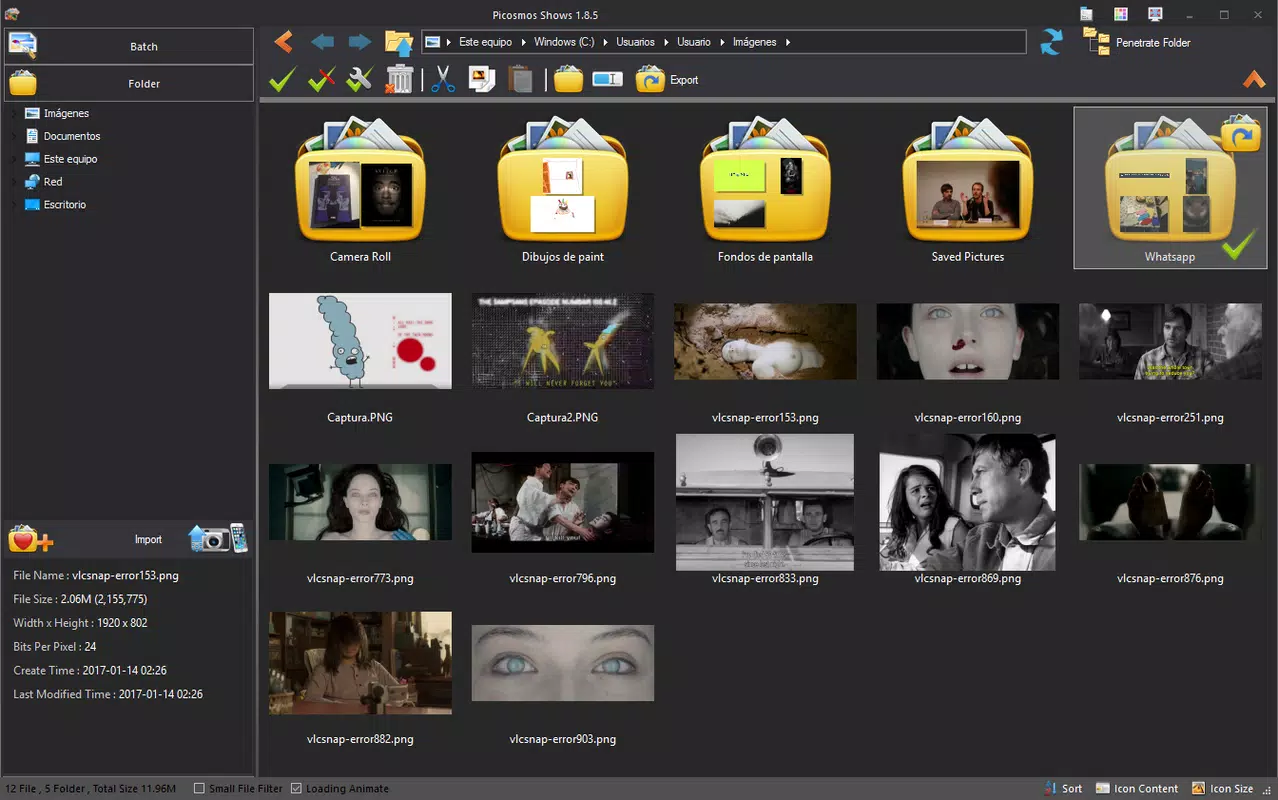
Picosmos Shows is a dedicated photo editing and management solution designed to streamline the way users organize, enhance, and present their digital image collections. The app addresses common challenges associated with scattered photo files across multiple folders and devices, offering a centralized platform for consolidation, editing, and creative expression. By scanning local storage for image files and enabling users to group them into a unified library, Picosmos Shows simplifies access and reduces the time spent searching for specific photos. This functionality is especially beneficial for individuals managing large volumes of personal or professional images.
Target users include amateur photographers, content creators, students, and professionals who rely on visual media for presentations or documentation. The app’s integration of editing tools with presentation features positions it as a multifunctional utility within the productivity category. While the developer, Picosmos, is listed as the creator, no additional background information about the company or its prior projects was provided. Real-world applications range from organizing family photo albums to preparing visual narratives for school projects or business pitches. In the broader app ecosystem, Picosmos Shows fills a niche by combining photo management with creative tools, offering a compact alternative to more complex desktop software.
Key Features & Functionality
- Image Organization: Automatically scans the device for image files and allows users to consolidate them into a single, accessible library, reducing file fragmentation.
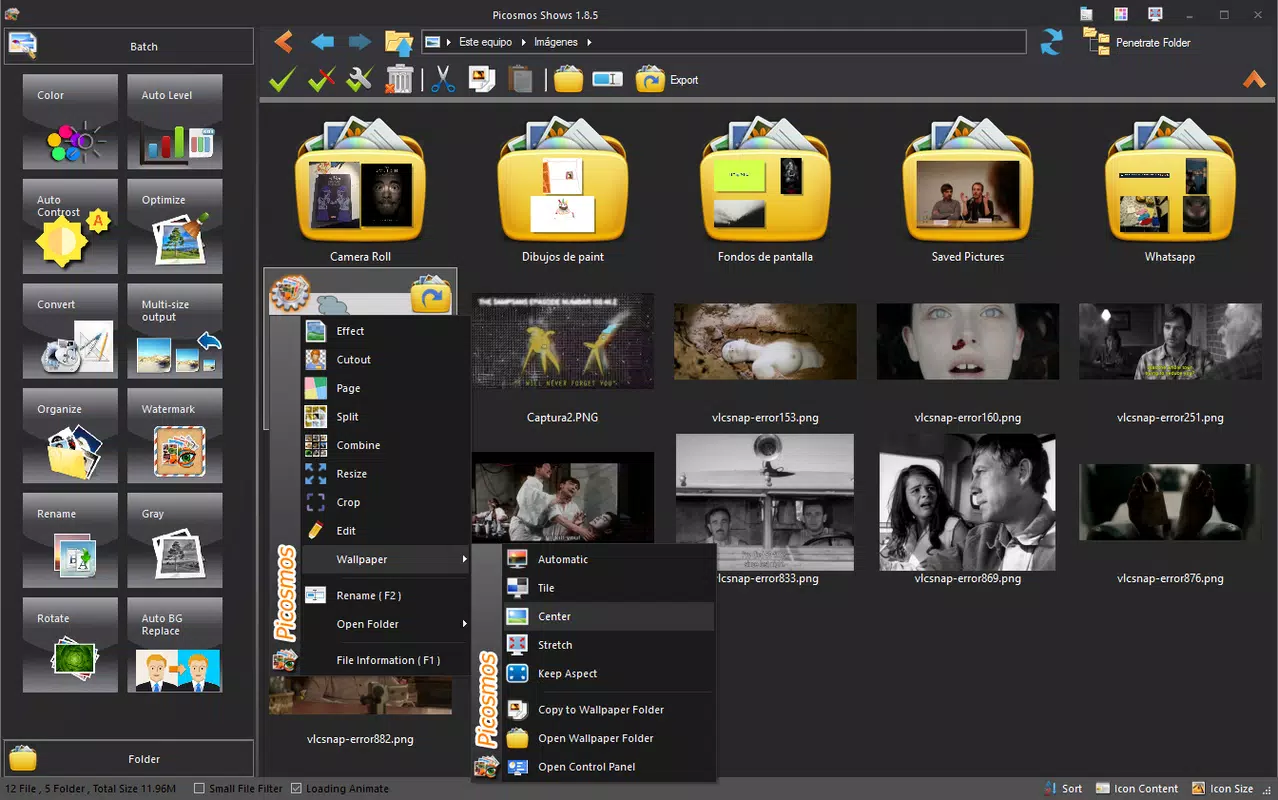
- Photo Editing Tools: Offers color adjustments, sketch overlays, filter application, and collage creation to enhance visual appeal and support creative expression.
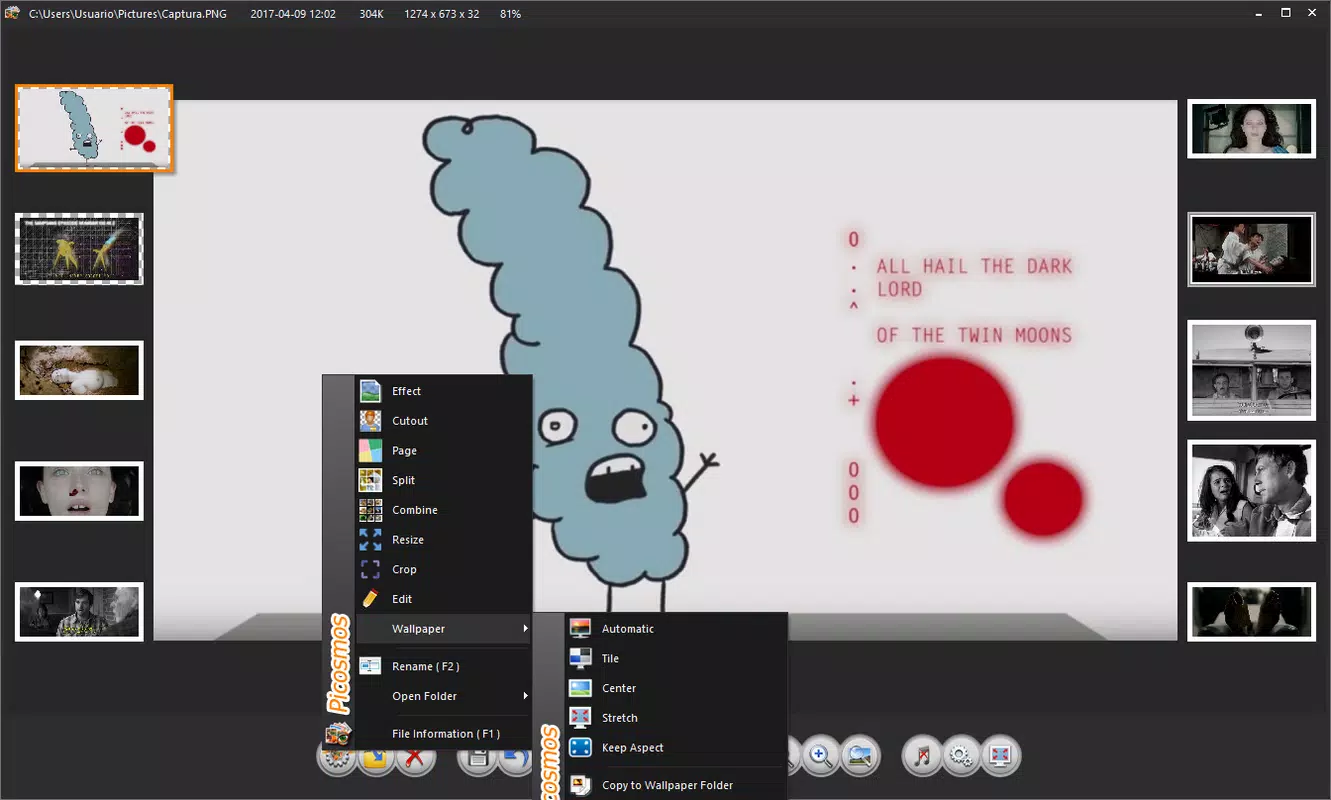
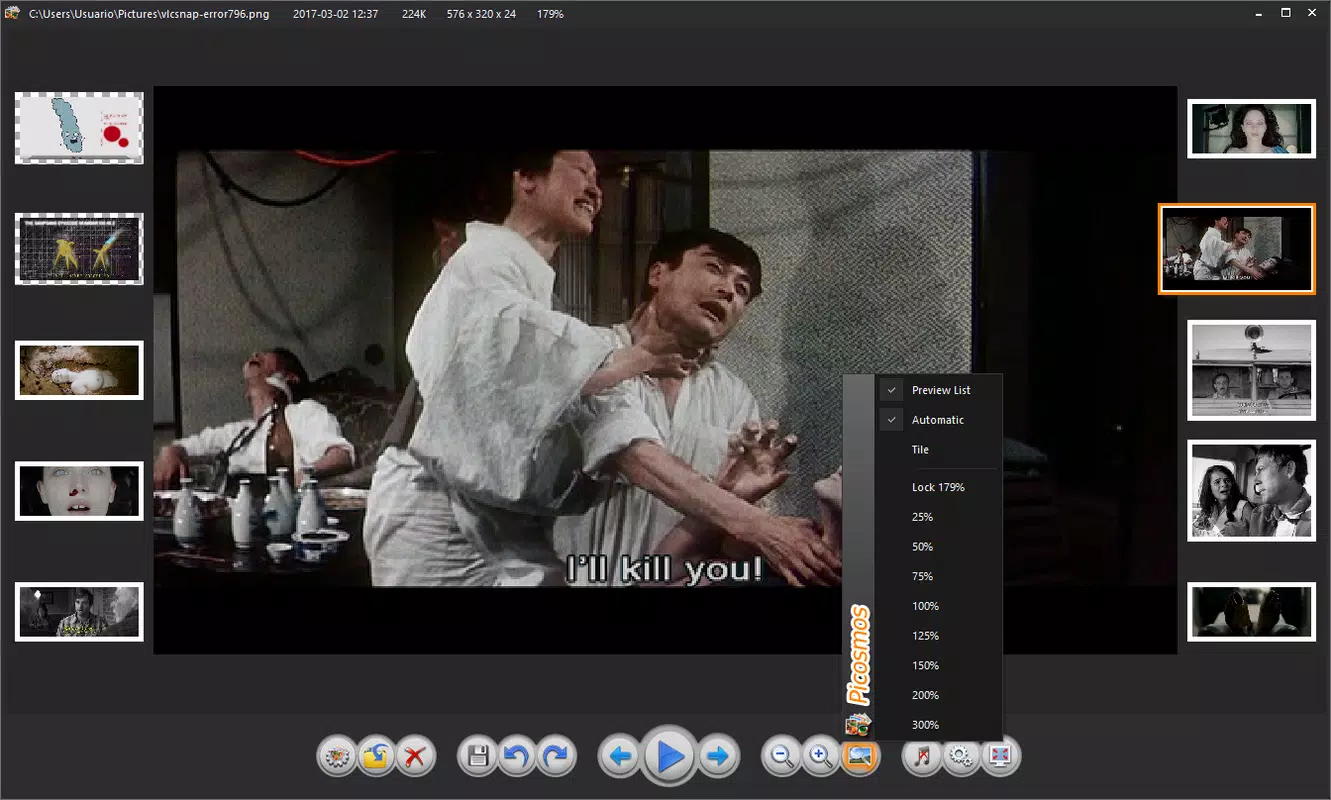
- Presentation Preparation: Enables users to pair selected photos with background music to generate dynamic, multimedia presentations for personal or professional sharing.
- Centralized Access: Provides a unified interface where users can manage, edit, and present images without switching between multiple applications.
- Intuitive Workflow: Designed for ease of navigation, ensuring that users can perform complex tasks with minimal learning curve.
For example, a student preparing a school project can use Picosmos Shows to gather all relevant images, edit them for clarity and visual impact, and then compile them into a slideshow with music. Similarly, a small business owner might use the app to create a digital portfolio of product images, applying filters and collages to highlight offerings. The seamless integration of organization and editing within a single environment enhances productivity and supports a more creative workflow.
Interface, UX & Performance
The user interface of Picosmos Shows is designed with simplicity and efficiency in mind, featuring a clean layout that prioritizes accessibility. Navigation is structured around core functions—organization, editing, and presentation—allowing users to switch between modes with minimal effort. Visual elements are well-organized, with clearly labeled tools and intuitive icons that support quick recognition and use. The app maintains responsiveness even when handling large photo libraries, ensuring that interactions remain smooth and lag-free.
Although the developer did not list formal performance metrics, the app’s design suggests optimization for typical Windows devices. Users can expect consistent performance across mid-range and higher-end systems, though specific requirements for older or lower-spec hardware were not disclosed. Stability appears to be a focus, as the app avoids noticeable crashes or freezes during routine operations. The overall user experience reflects a balance between functionality and usability, making it suitable for both novice and experienced users seeking a reliable photo management tool.
Platform Compatibility & Technical Requirements
Picosmos Shows is available for the Windows platform, with a software version of 1.0.0 and a file size of 25.4 MB. The app is offered at no cost, making it accessible to a broad audience. The developer did not specify minimum OS requirements, nor did they provide details on compatibility with specific Windows versions such as Windows 10, 11, or older releases. Similarly, no information was shared regarding processor architecture, RAM, or storage space beyond the total file size.
Users are advised to ensure their system meets standard requirements for running Windows applications. While the lightweight size suggests minimal resource usage, actual performance may vary depending on device specifications and background processes. For optimal experience, users should consider running the app on a system with up-to-date drivers and a stable operating environment.
Pros and Cons
Pros
- Free to download and use, offering strong value for users seeking a no-cost photo management solution.
- Centralized photo organization eliminates file fragmentation and improves access speed.
- Integrated editing and presentation tools reduce the need for multiple applications.
- Intuitive interface supports quick onboarding and efficient workflow.
- Compact file size ensures easy installation and minimal storage impact.
Cons
- Specific system requirements were not listed, which may affect user confidence in compatibility.
- No information was provided about cloud sync or cross-device access features.
- Platform availability is limited to Windows, excluding mobile and macOS users.
- Updates or future feature roadmaps were not disclosed by the developer.
- Advanced editing features may be limited compared to professional-grade software.
FAQ
Is Picosmos Shows available for mobile devices?
The app is currently designed for the Windows platform. There is no official information about availability on Android or iOS devices.
Can I use Picosmos Shows without an internet connection?
Yes, the application functions fully offline. All photo editing, organization, and presentation features are available without requiring an internet connection.
Does Picosmos Shows support cloud storage integration?
The developer did not disclose any details about cloud storage integration or synchronization features.
How often is Picosmos Shows updated?
Specific update frequency was not provided. Users are encouraged to check the official source for the latest version and improvements.
Is Picosmos Shows safe to download and install?
As a free application with a clear release date and developer name, Picosmos Shows appears to be a legitimate tool. However, users should always download from trusted sources to ensure security.
Final Thoughts
Picosmos Shows stands out as a practical and accessible tool for anyone looking to bring order to their digital photo collections while unlocking creative potential. Its seamless blend of image organization, editing capabilities, and presentation features makes it a compelling choice within the productivity category. While it lacks mobile support and detailed technical specifications, its lightweight design, intuitive interface, and free pricing model offer significant advantages for Windows users.
Those who frequently manage large volumes of photos—such as students, educators, hobbyists, or small business owners—will find the app particularly useful. It streamlines workflows by combining essential tools into a single, easy-to-use environment. For users seeking a secure, reliable, and efficient way to organize, edit, and present images, Picosmos Shows delivers real value.
Download Picosmos Shows now


